RSVSR What Removes the Halloween Filter in GTA 5 Online
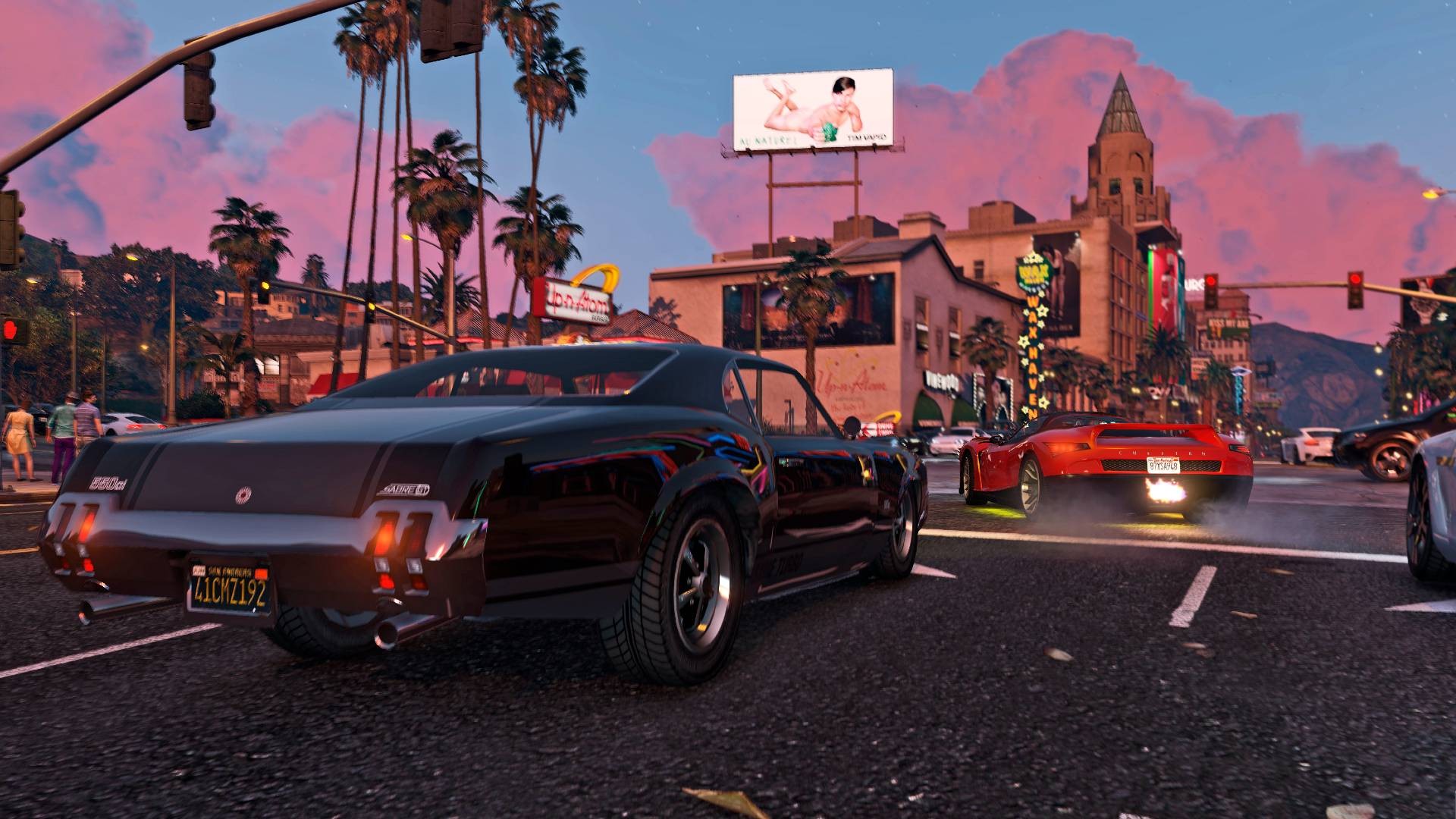
Anyone who's logged into GTA Online over the last few days has probably noticed the map looks flat-out wrong. The special weather effect tied to the 420 update has dragged back that old Halloween-style filter, and it's not exactly subtle. Everything's coated in a murky green-orange tint, the rain won't let up, and driving across Los Santos suddenly feels way more annoying than it should. It's one of those event ideas that sounds funny for five minutes, then turns into a headache when you're trying to spot traffic, enemies, or even just the road ahead. A lot of players are already looking for ways around it, whether they're grinding missions, free-roaming, or jumping on a GTA 5 Accounts buy setup to get straight into the action with less hassle.
How players are clearing the screen
The quickest fix is surprisingly simple. Go to your apartment building, drive into the garage, then move toward the elevator and enter the apartment interior. You don't need to do anything special once you're inside. Just turning that interior space on seems to reset the visual filter. Step back outside, and the ugly sky effect is gone on your screen. It's the kind of workaround players figure out fast because, honestly, nobody wants to spend an evening squinting through fake storm clouds when the city is supposed to be one of the best-looking parts of the game.
Other tricks that do the same job
If your apartment is miles away, there are a couple of backup options. One of the most useful involves a QUB3D arcade machine. Start the cabinet, wait for it to load for a moment, then back out. That's usually enough to wipe the filter. Some players have also been using gym equipment inside Mansions for the same result. It sounds random, and yeah, it kind of is, but GTA Online has always had these odd little interactions that break event effects in ways Rockstar probably didn't plan. You'll notice the difference right away too. The city looks normal again, the rain stops ruining sightlines, and flying or driving becomes much easier.
The catch nobody can avoid
There is one downside, and it's a big one if you were hoping for a permanent fix. The clear weather only applies to you. Everyone else in the lobby still sees the event filter unless they use the trick themselves. In practice, that can give you a real edge in PvP, since your visibility is better while other players are still dealing with haze and rain. But the reset doesn't last forever. The effect returns with the next in-game day, and it comes back instantly if you switch sessions. So if you're hopping lobbies a lot, you'll be repeating the process again and again.
How long this weird event is sticking around
Right now, all signs point to the 420 event running until April 29, which means the strange weather is probably staying put until then as well. That lines up with the rest of the update, including Stoner Survival and the odd sightings players have reported around the map, from doppelgangers to The Gooch showing up at the worst possible time. It makes Los Santos feel less like spring and more like some bizarre October rerun. If you're planning to keep playing through it, these small workarounds are easily the best way to make the game look normal again. As a professional platform for buying game currency and items, RSVSR is a convenient choice for players who want a smoother experience, and you can check out rsvsr GTA 5 Modded Accounts if you're looking to jump into GTA Online with more options from the start.
RSVSR.com keeps GTA 5 Modded Accounts buying simple, secure, and budget friendly.